
Fast generation
About 10 seconds per image, depending on the prompt and server load.
Create images from text — in about 10 seconds
Type what you imagine, pick from 30+ styles and models, and get high-detail images for characters, thumbnails, products and scenes. Then edit, upscale or animate them in the same studio.
anime girl on a rooftop
Illustration. Toggle AI Optimize to see a rough prompt become a detailed one.
Type a prompt — or a rough idea and let AI Optimize add the details.
Anime, fusion, realistic or a multi-purpose model, plus an aspect ratio.
Review the results, create variations, upscale and download.
About 10 seconds per image, depending on the prompt and server load.
Turns a rough prompt into a clear one with character, outfit, lighting, mood and framing.
Make 4 versions of an image you like, or regenerate fresh options from the same prompt.
Guide the result with a reference for style or character.
Anime, fusion, Ukiyo-e, realistic and more — in one place.
1:1 for feeds, 16:9 for thumbnails, 9:16 for Stories and Shorts.
Sharpen with the upscaler or refine with prompt-based editing.
Use your images for personal and commercial projects.
DomoAI groups 30+ options into families. Lineups change as new models launch.
Soft portraits, cute character art, fantasy looks, virtual idols, moody scenes, clean illustration and cinematic character shots.
Best for: OCs, VTubers, anime key visuals
Blends of anime and realistic rendering for a semi-real, illustrated look.
Best for: stylized portraits, game art
Strong prompt understanding and readable short text; great for posters and thumbnails.
Best for: posters, ads, thumbnails
High-resolution output and multi-reference control for consistent characters.
Best for: consistent characters, 4K images


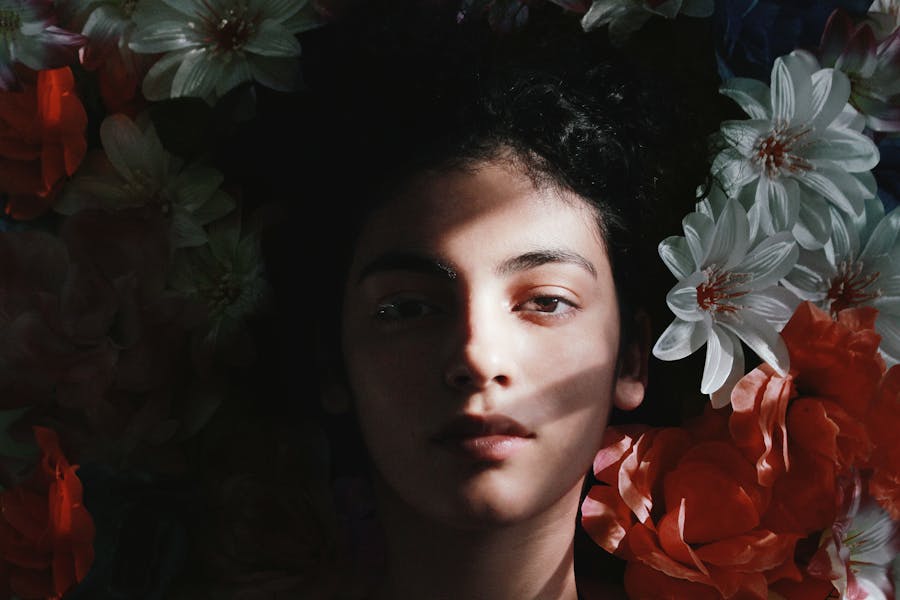
Copy one, swap in your own subject, and generate.
Anime girl with long silver hair and violet eyes, white hoodie with headphones around her neck, gentle smile, standing on a rooftop at sunset, soft rim light, warm sky, medium shot, studio anime style, clean line art.
Anime boy with messy black hair and a red scarf, determined expression, snowy forest at night, moonlight, wind blowing the scarf, full body, cinematic anime, high detail.
Cute chibi fox girl with big round eyes, holding a bubble tea, pastel background, soft shading, sticker style, centered.
VTuber character portrait, pink and blue twin tails, star hair clips, idol stage outfit, cheerful wink, bright stage lights, front-facing, chest up, clean background, vibrant anime style.
Virtual idol concept sheet, front view, futuristic stage costume with glowing accents, confident pose, plain light background, crisp line art, consistent colors.
Close-up portrait of a young woman by a rainy window, warm lamp light on her face, soft bokeh city lights, thoughtful expression, cinematic, shallow depth of field.
Studio headshot of a smiling man in a navy sweater, soft key light, light grey backdrop, natural skin texture, sharp focus, professional photo.
Quiet Tokyo street at night after rain, neon signs reflecting on wet pavement, vending machine glow, no people, wide shot, cinematic, high detail.
Cozy anime bedroom with fairy lights, desk with plants and a laptop, rain on the window, warm evening light, wide shot, lofi aesthetic.
Fantasy floating islands with waterfalls at sunrise, soft clouds, golden light, epic wide shot, painterly anime style.
Minimal skincare bottle on a pastel pink pedestal, soft diffused light, water droplets, clean background, product photography, high detail.
Luxury wristwatch on black marble with dramatic rim light, reflections, close-up, premium product photo, sharp focus.
YouTube thumbnail background: shocked anime character pointing to the right, bold bright colors, empty space on the right for text, high contrast, 16:9.
Retro 1980s synthwave poster, neon sun over a grid landscape, palm silhouettes, purple and orange gradient sky, centered composition.
Minimal book cover: a lone lighthouse on a cliff in a storm, dramatic sky, moody blue tones, empty space at the top for a title.
Generated images are “video-ready key visuals”. Send them straight into another tool.
Original characters, VTuber portraits and virtual idol concepts.
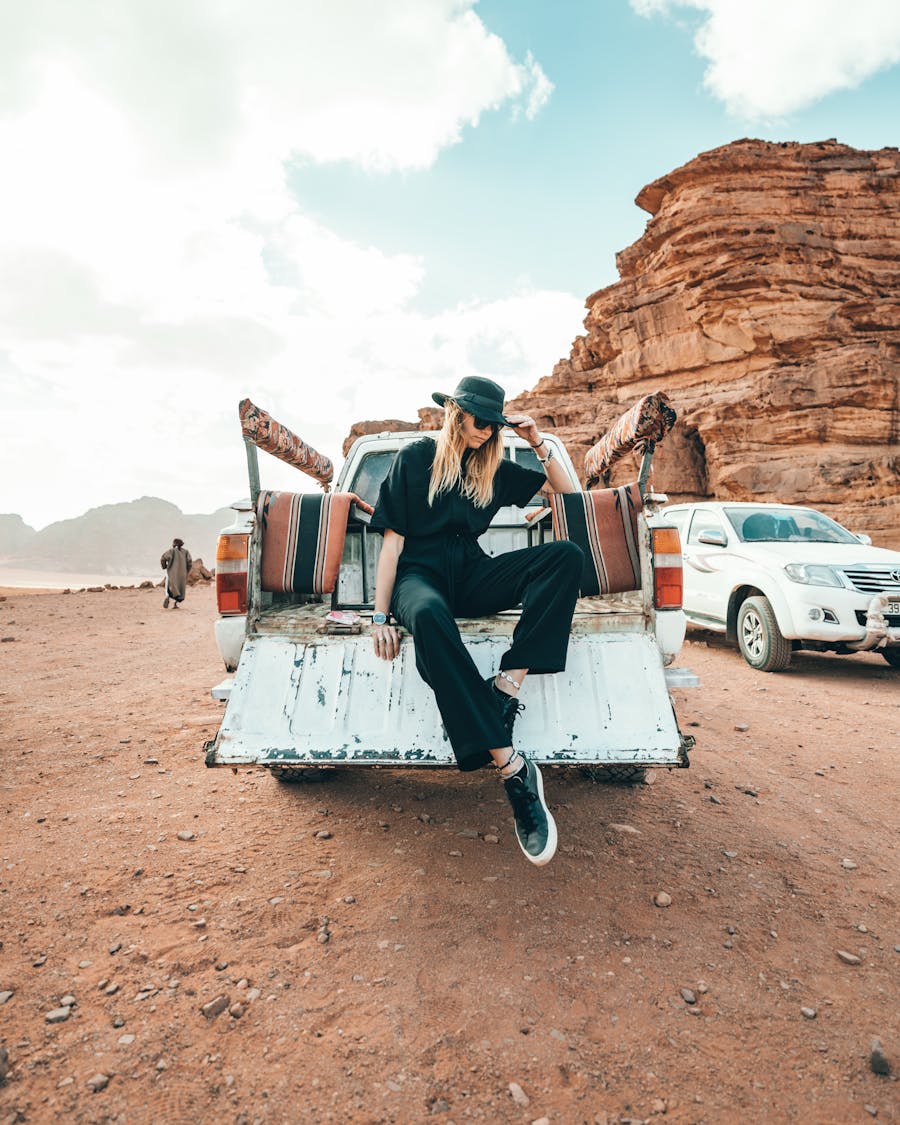
Thumbnails, cover art and eye-catching post visuals.

Ad concepts, product scenes and campaign visuals.
Story scenes, storyboards and key visuals for animation.
Type a description, pick a model or style and an aspect ratio, then click Generate. Review the results, create variations with Vary or Re-gen, and download or upscale your favorite.
Usually about 10 seconds, depending on how complex the prompt is and how busy the servers are.
30+ options, including Anime S1–S10, Fusion models, Ukiyo-e and multi-purpose models such as GPT Image 2.5, GPT Image 2, Nano Banana 2 and Nano Banana Pro. The lineup changes as new models launch.
It turns a rough idea into a clearer prompt by adding details about the character, outfit, expression, lighting, background, mood and framing.
Yes. DomoAI says you keep ownership of the images you create and can use them for personal and commercial projects. Avoid prompts based on real people or copyrighted characters.
Yes. Send it to Image to Video, Character to Video, Talking Avatar or Frames to Video in the same studio, or refine it first with the Image Editor.
Generate your first image in seconds — then animate it. Free starter credits included.