CAM shot labels
Label shots with time ranges to direct a sequence inside one clip.
CAM 1 (0–3 s): wide shot of the city. CAM 2 (3–5 s): close-up of her face.Write a scene and get an animated clip. No footage needed
Describe a subject, an action, a place, a style and a camera move, and DomoAI generates a video from your words. Use DomoAI 2.4 for quick anime and stylized clips with Relax mode, or Seedance 2.0 for clips up to 15 seconds in up to 1080p with native audio.
A girl with a red umbrella walks through a rainy neon street at night, anime style, slow tracking shot, reflections on wet pavement.

Subject, action, environment, style and camera. Any language works.
Japanese anime, realistic, pixel art, 90s aesthetic, or the default.
Model, duration and aspect ratio (1:1, 16:9, 9:16 and more).
About 2–3 min for 5 s and 3–5 min for 10 s on DomoAI 2.4.
| Spec | DomoAI 2.4 Fast | DomoAI 2.4 Advanced | Seedance 2.0 Fast | Seedance 2.0 |
|---|---|---|---|---|
| Length | 5 or 10 s | 5 or 10 s | 4–15 s | 4–15 s |
| Resolution | Not specified | Not specified | 480P–1080P | 480P–1080P |
| Native audio | — | — | On/off | On/off |
| Relax mode | Standard+ | Standard+ | Fast only | Fast only |
| Aspect ratios | 1:1, 16:9, 9:16… | 1:1, 16:9, 9:16… | 3:4, 4:3, 9:16, 16:9, 1:1 | 3:4, 4:3, 9:16, 16:9, 1:1 |
| Best for | Quick drafts & iterations | Precision & consistency | Fast longer clips with sound | Longer, higher-res scenes with sound |
Neither model family outputs 4K directly, so use the Video Upscaler. For multi-reference scenes with Seedance 2.5, use Omni Reference.
DomoAI recommends this order: Subject + Action + Environment + Style + Camera movement. Write it as clear, complete sentences.
A boy playing keyboard on a hill at sunset, soft anime style, pastel colors, slow camera push-in.
Video adds two things an image prompt doesn’t need: action and camera movement. Keep both to one each per clip.
Fill in the scene, choose what matters most, and get a ready prompt with a model suggestion. Switch to multi-shot to write a CAM sequence.
Label shots with time ranges to direct a sequence inside one clip.
CAM 1 (0–3 s): wide shot of the city. CAM 2 (3–5 s): close-up of her face.Use cinematography terms for a cut-series look: lens, depth of field, color grade.
35mm lens, shallow depth of field, teal-and-orange gradeTurn it on to expand a short idea into a detailed prompt automatically, then edit the result.
For complex scenes, a structured prompt keeps each element separate.
{"subject":"fox in a scarf",
 "action":"leaps over a log",
 "scene":"snowy forest, dawn",
 "style":"anime",
 "camera":"slow tracking shot"}
Clean line art and cel shading for stories and fan content.

Cinematic, photo-like scenes for ads and B-roll.
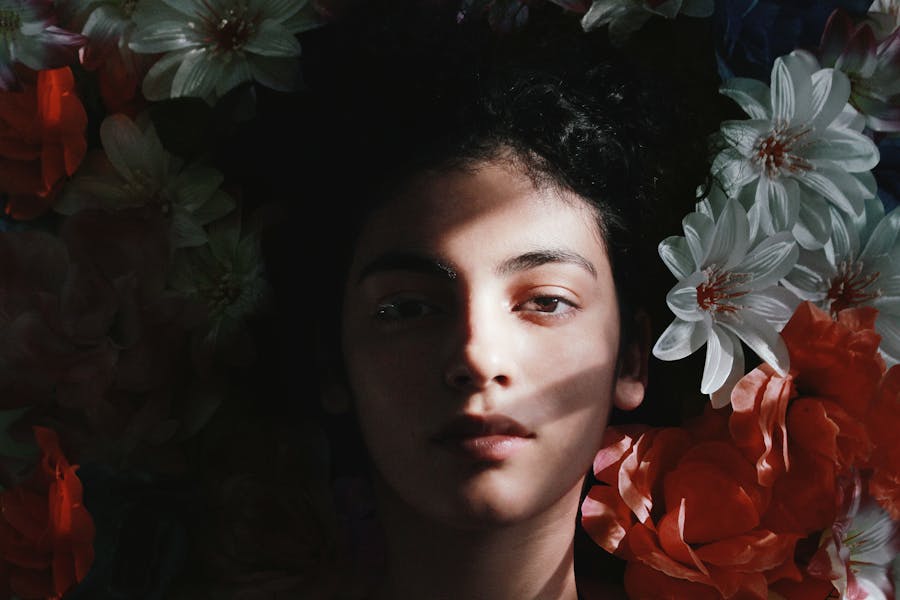
Retro game looks for gaming channels and intros.
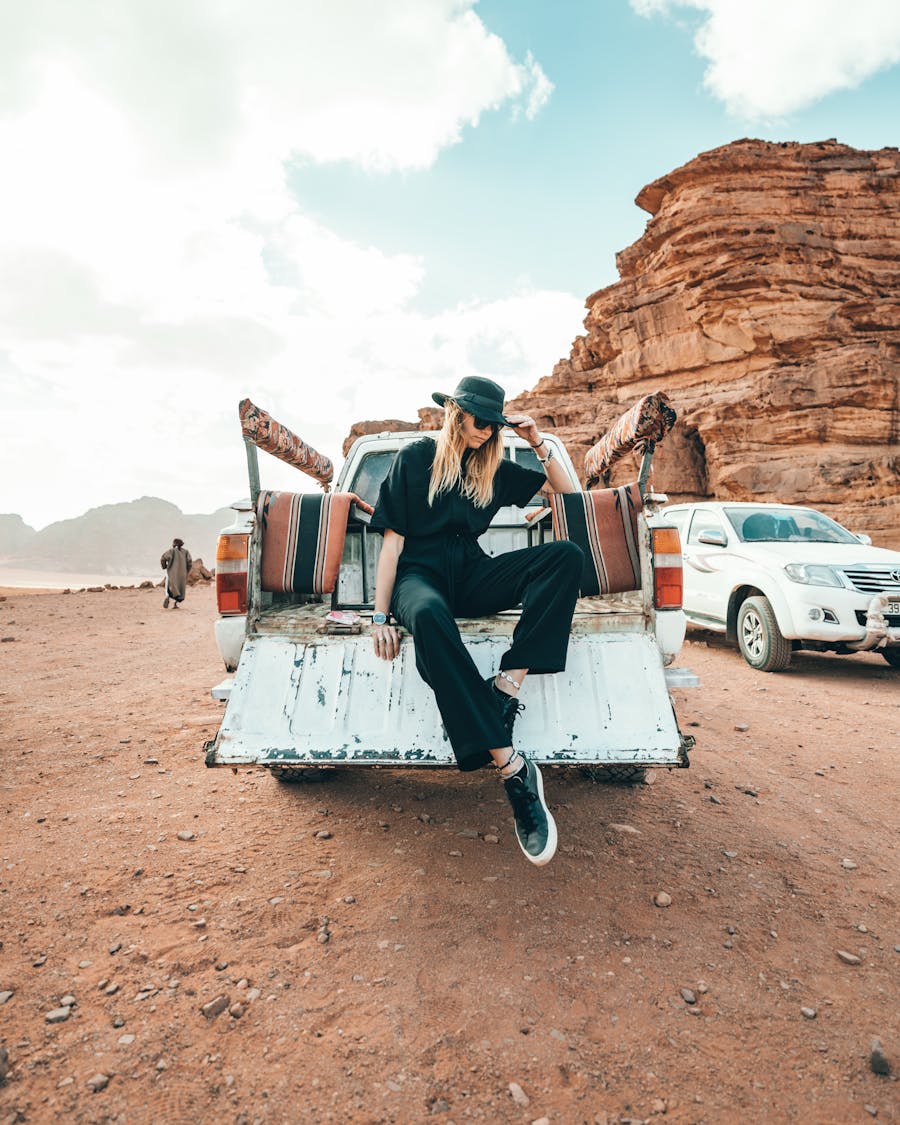
Nostalgic color, grain and VHS vibes.
Text to video is the most open-ended option. When you need a specific look or movement, start from an image or a clip instead.
| Start from | Control | Best for |
|---|---|---|
| Text | Lowest: the AI invents the look | Ideas, storyboards, B-roll |
| Image | The first frame is fixed | Exact characters and compositions |
| Video | Motion is fixed | Restyling real footage |
| References | Highest: you assign roles | Consistent characters across shots |
Call POST /v1/video/text2video with a prompt, 1–10 seconds and a model. Faster models cost 2 credits per second and advanced models 5, at $0.02 per credit.
| API model | Credits / s | 5 s | 10 s |
|---|---|---|---|
t2v-2.4-faster | 2 | $0.20 | $0.40 |
t2v-2.4-advanced | 5 | $0.50 | $1.00 |
DomoAI’s text-to-video tool turns a written description into a video clip with no footage or images needed. You describe the subject, action, setting, style and camera, choose a model and length, and DomoAI generates the clip.
DomoAI 2.4 Fast and 2.4 Advanced (5 or 10 seconds, with Relax mode on Standard and above) and Seedance 2.0 and 2.0 Fast (4–15 seconds, 480P–1080P, optional native audio). Seedance 2.5 is available through Omni Reference.
5 or 10 seconds on DomoAI 2.4, and 4–15 seconds on Seedance 2.0. Build longer videos by joining several clips.
On DomoAI 2.4, about 2–3 minutes for a 5-second clip and 3–5 minutes for 10 seconds. Busy times and longer, higher-resolution clips take longer.
Use Subject + Action + Environment + Style + Camera movement, in clear complete sentences. Keep to one action and one camera move per clip. Prompts work in any language.
Yes. Seedance 2.0 can generate native audio, which you can switch on or off. You can also add voiceovers with Talking Avatar or in your editor.
New accounts get 30 starter credits to test it, with daily limits per tool on the free plan. Paid plans add more credits, and Standard and above include Relax mode on supported models such as DomoAI 2.4.
With t2v-2.4-faster it costs 2 credits per second ($0.20 for 5 s), and with t2v-2.4-advanced 5 credits per second ($0.50 for 5 s), at $0.02 per credit.
Turn your first scene into a video with 30 free starter credits.